
Search merchandising: a rule framework for ecommerce search
Learn how search merchandising works, which rules to use for each query type, and how to balance relevance, inventory, margin, and product data.
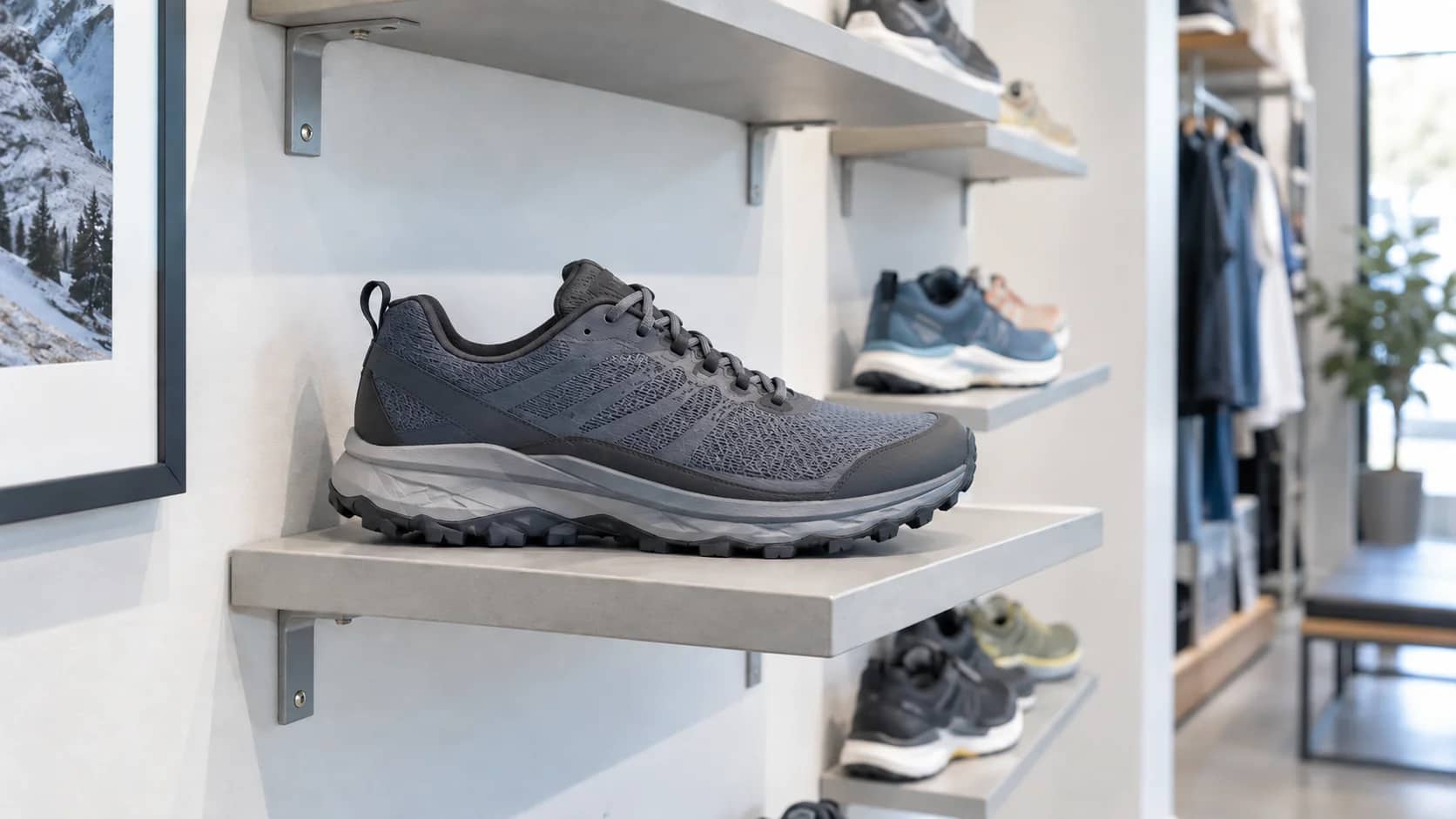
Search merchandising is not just boosting products a merchant wants to sell. It is the discipline of deciding how ecommerce search should respond when shoppers tell you what they want.
A shopper who searches for "black trail running shoes size 9" needs a different search experience from someone who searches for "gift for new homeowner" or "waterproof jacket." The first query needs exact matching and size availability. The second may need a curated collection or guided suggestions. The third needs attribute understanding, useful filters, and inventory-aware ranking.
This guide explains how to design search merchandising rules around query intent, rule type, product data, and performance signals so search results stay relevant while still supporting business goals. If the underlying product facts are the bottleneck, start with the product data quality dimensions that make search fields consistent enough to rank, filter, and explain products.
What is search merchandising?
Search merchandising is the practice of shaping ecommerce search results with rules, ranking signals, product data, and merchandising logic.
Most search merchandising rules combine:
- A condition: when the rule applies, such as a query, product attribute, customer segment, inventory state, promotion, or campaign window.
- An action: what the search system does, such as boosting, burying, pinning, hiding, redirecting, adding synonyms, or showing a banner.
- A guardrail: how the team prevents the rule from hurting relevance, such as an expiration date, inventory threshold, relevance floor, preview check, or post-launch metric review.
The guardrail is the part teams often skip. Without it, search merchandising becomes a pile of manual overrides. With it, rules become a controlled layer on top of search relevance.
Search merchandising is also called searchandising. The terms are usually used interchangeably.
Search merchandising vs. site merchandising
Search merchandising is one part of site merchandising, but it has a narrower job.
Site merchandising covers the full storefront: homepage modules, navigation, category pages, collection pages, recommendation slots, product tiles, content placements, promotions, and search. Search merchandising focuses on the search results experience after a shopper enters or selects a query.
That difference changes the decision logic. A homepage can introduce a campaign. A category page can inspire browsing. A search results page has to answer stated intent first. Business goals can influence the order of relevant products, but they should not make the search engine ignore the shopper's words.
Start by classifying the query
The best search merchandising rule depends on the query type. Before writing a boost, pin, synonym, or redirect, classify what the shopper is asking for.
| Query type | Examples | What the shopper expects | Best merchandising response | Avoid |
|---|---|---|---|---|
| Exact-product or SKU query | "air max 90," "replacement filter x100" | The specific product, compatible variant, or closest available match | Protect exact matches, show availability, expose variants, avoid broad campaign overrides | Boosting unrelated promoted products above the exact match |
| Attribute-led query | "waterproof hiking shoes," "linen shirt," "oak dining table" | Products with specific attributes, not just keyword matches | Use normalized attributes, facets, and inventory-aware ranking | Relying only on title text or inconsistent tags |
| Category query | "running shoes," "sofas," "dresses" | A broad but relevant assortment with strong filters | Rank best-fit products, add useful facets, optionally boost high-performing items within relevance limits | Pinning one campaign product for every broad query |
| Problem-led query | "shoes for plantar fasciitis," "gift for dad," "small apartment desk" | Help translating a need into products | Use synonyms, buying-guide links, curated collections, or banners when product data alone is not enough | Treating the query like a simple category match |
| Brand or collection query | "nike trail," "summer linen collection" | A named brand, campaign, or collection | Route to the brand/collection, then rank by availability and relevance | Redirecting when the search results already answer the query better |
| Zero-result or low-result query | Misspellings, shopper language that differs from catalog language | A recovery path | Add synonyms, spelling tolerance, attribute normalization, or a fallback collection | Hiding the problem with a generic results page |
This classification step keeps search merchandising practical. Instead of asking, "What should we promote?" ask, "What kind of query is this, and which rule type helps the shopper complete the search?"
Choose the right search merchandising lever
Search merchandising platforms often give you similar tools: boost, bury, pin, hide, synonym, redirect, facet, and banner. The hard part is choosing the tool that matches the problem.
| Lever | Use it when | It is the wrong move when | Watch for |
|---|---|---|---|
| Boost | Relevant products should rank higher because they are in stock, high-converting, seasonal, high-margin, new, or campaign-priority | The product is only commercially attractive, not a good match for the query | Lower click-through rate, higher no-click searches, or more refinements after launch |
| Bury | Products are relevant but less desirable, such as low-stock items, old models, weak performers, or out-of-season products | The product should be excluded entirely for legal, regional, compatibility, or availability reasons | Shoppers scrolling deeper than before or missing a product they still expect |
| Pin | A specific product or small set must occupy a position for a narrow query and limited time | The query is broad, the item may go out of stock, or personalization should decide the order | Pinned products with poor availability, stale campaign dates, or declining click share |
| Hide | Products should not appear for a query or audience | You are using hiding to compensate for weak ranking or messy data | Sudden drops in result count, zero-result increases, or support complaints |
| Synonym | Shopper language differs from catalog language | The words are not actually interchangeable or map to different product intents | Irrelevant matches, rising refinements, or shoppers adding more specific follow-up terms |
| Redirect | The query is better answered by a collection, guide, compatibility page, or brand page | Product results can answer the query directly and faster | Redirect exits, back-button behavior, or lower add-to-cart rate |
| Facet or filter | Shoppers need to narrow broad results by attributes such as size, material, color, fit, compatibility, price, or availability | The attribute is incomplete, inconsistent, or not important to selection | Low facet usage, confusing filter values, or filters that remove too many products |
| Banner or content block | The query needs context, education, promotion, or a guided next step | The banner pushes results below the fold or repeats information shoppers already know | Banner clicks, product clicks below the banner, and conversion from banner-assisted sessions |
A good rule usually changes one thing at a time. If you add a synonym, boost a margin group, pin a hero product, and show a banner for the same query, you will not know which change helped or hurt.
Keep relevance as the floor
Business signals should refine relevant results, not replace them.
A simple way to manage this is to use a relevance floor:
- Return products that match the query intent. For "black ankle boots," the result set should still be black ankle boots or very close alternatives.
- Remove or lower products that would disappoint the shopper. Out-of-stock, wrong-season, unavailable-size, incompatible, or restricted products should not dominate the first page.
- Apply business signals inside the relevant set. Margin, inventory depth, newness, discount, sales velocity, ratings, or campaign priority can change order once relevance is protected.
- Preview the first page of results. Do not approve a rule by looking only at the first product. The full first page is what shoppers experience.
For example, a merchant may want to boost higher-margin hiking shoes. That can work for a broad query like "hiking shoes" if the boosted products are in stock, match the category, have common sizes available, and still compete on shopper value. It is a bad rule if it pushes low-relevance shoes above waterproof shoes for "waterproof hiking shoes" or above wide-fit shoes for "wide hiking shoes."
Design rules around data fields, not guesswork
Search merchandising depends on machine-readable product data. A rule can only use the fields the search system can trust.
For each rule, write down the fields it depends on:
- Query fields: normalized query, tokens, misspellings, synonyms, category match, and query type.
- Product identity fields: title, brand, product type, category, collection, SKU, variant, and compatibility.
- Selection attributes: color, material, size, fit, dimensions, capacity, use case, gender, age range, style, and technical specs.
- Commercial signals: price, discount, margin, sales velocity, rating, review count, return rate, and lifecycle stage.
- Availability signals: inventory, variant availability, location, delivery speed, backorder status, and regional eligibility.
- Content signals: image quality, description completeness, badges, comparison copy, and product-card claims.
If a rule relies on a field that is incomplete or inconsistent, fix the data before trusting the rule. A "waterproof" boost will fail if half the waterproof products use "water resistant," some use "rainproof," and others have no material-performance value at all.
This is where a product data layer matters. Teams building search, recommendations, feeds, or AI shopping experiences need live, normalized product objects they can reuse across systems. Catalog is built for that kind of structured product-data foundation.
Set rule precedence before rules collide
Search merchandising gets risky when overlapping rules apply to the same query. A campaign boost, synonym rule, inventory bury, and personalization model can all try to change the same result set.
Create a simple precedence order before the rule library grows. For many ecommerce teams, a practical order looks like this:
- Eligibility and safety rules: remove products that cannot be sold, shipped, shown, or legally recommended.
- Exact-match protection: preserve exact product, brand, SKU, and compatibility matches where the shopper intent is clear.
- Query understanding: apply spelling correction, synonyms, and attribute normalization.
- Redirects and guided paths: route only when a page or collection answers the query better than product results.
- Inventory and availability logic: lower products that cannot satisfy demand, especially unavailable variants.
- Business boosts and buries: apply margin, campaign, newness, discount, lifecycle, or sales-velocity signals within the relevant set.
- Pins and banners: use sparingly, with expiration dates and narrow query triggers.
- Personalization or audience rules: adjust results only after the core query answer remains intact.
The exact order can vary. The important point is that every team knows which rule wins when rules conflict.
Build rules with expiration dates and failure signals
Every manual rule should answer five questions:
- What query or query type triggers this rule? Be specific. "Gift" and "gift for mom under $50" should not necessarily share the same rule.
- What action does the rule take? Boost, bury, pin, hide, synonym, redirect, facet, or banner.
- Which product data fields does it rely on? If the fields are weak, the rule is weak.
- When should the rule expire or be reviewed? Campaign, seasonal, inventory, and launch rules should not live forever.
- What signal means the rule needs revision? Decide before launch.
Useful failure signals include:
- Zero-result rate rises for related queries.
- No-click searches increase.
- Shoppers click lower-ranked products more than boosted products.
- Average click position moves deeper into the results.
- Query refinements increase after the rule fires.
- Facet usage drops because the result set became too narrow or confusing.
- Revenue improves but conversion rate, add-to-cart rate, or return rate worsens.
- Pinned or boosted products lose availability.
These signals keep the team from judging rules only by revenue. Search merchandising should make search easier and more commercially effective.
A search-specific workflow
Use this workflow when improving an important search query or query group.
1. Pick the query group
Start with top queries, high-value queries, zero-result queries, no-click queries, low-conversion searches, or queries tied to a campaign. Group similar queries before writing rules so you do not create one-off clutter.
2. Classify the intent
Decide whether the query is exact-product, attribute-led, category-led, problem-led, brand/collection-led, or a recovery query. The intent determines the right rule type.
3. Audit the current result set
Review the first page of results. Check relevance, availability, variant coverage, product-card quality, facets, and whether shoppers have a clear next step.
4. Fix data gaps first
If the query depends on attributes, variants, taxonomy, compatibility, or inventory, check those fields before creating manual rules. If the data is unreliable, a rule may make the problem look solved while quietly breaking related queries.
5. Apply the narrowest useful rule
Choose the smallest rule that solves the problem. A synonym may be enough for shopper-language mismatch. A facet improvement may be better than a boost for broad category queries. A redirect may be right for a buying guide query, but wrong for an exact product query.
6. Preview with edge cases
Test the rule against close variants: singular and plural forms, misspellings, attribute combinations, brand modifiers, price modifiers, and size or compatibility modifiers. The rule should improve the intended query without damaging neighboring ones.
7. Measure and retire
Track the failure signals you chose before launch. Keep rules that improve search behavior. Narrow, revise, or retire rules that create irrelevant results, stale promotions, or unnecessary manual work.
FAQ
What is search merchandising?
Search merchandising is the practice of shaping ecommerce search results with rules, ranking signals, and product data. It helps teams decide when to boost, bury, pin, hide, redirect, add synonyms, improve facets, or show content for specific queries.
Is search merchandising the same as searchandising?
Yes. Searchandising is shorthand for search plus merchandising. It usually refers to the same work: applying merchandising logic to ecommerce search results.
What is the difference between search merchandising and site merchandising?
Site merchandising covers the full ecommerce storefront, including homepage modules, navigation, category pages, promotions, recommendations, product content, and search. Search merchandising focuses specifically on the search results experience and the rules that shape it.
When should you use a boost instead of a pin?
Use a boost when a group of relevant products should move higher but the search algorithm can still decide the final order. Use a pin when a specific product or small set must appear in a fixed position for a narrow query and limited time. Pins need stricter review because they can become stale when inventory, seasonality, or shopper behavior changes.
What product data do search merchandising rules need?
Common fields include product type, category, attributes, variants, inventory, availability, price, discount, margin, lifecycle stage, ratings, product descriptions, and compatibility data. The exact fields depend on the rule. A facet rule needs reliable attributes. An inventory-aware bury rule needs live availability. A synonym rule needs normalized product and query language.
How do you measure search merchandising?
Track search conversion rate, add-to-cart rate, revenue per search, zero-result rate, no-click searches, average click position, query refinements, facet usage, redirect exits, rule conflicts, and expired rules. Strong search merchandising should improve business outcomes without making shoppers work harder to find relevant products.
